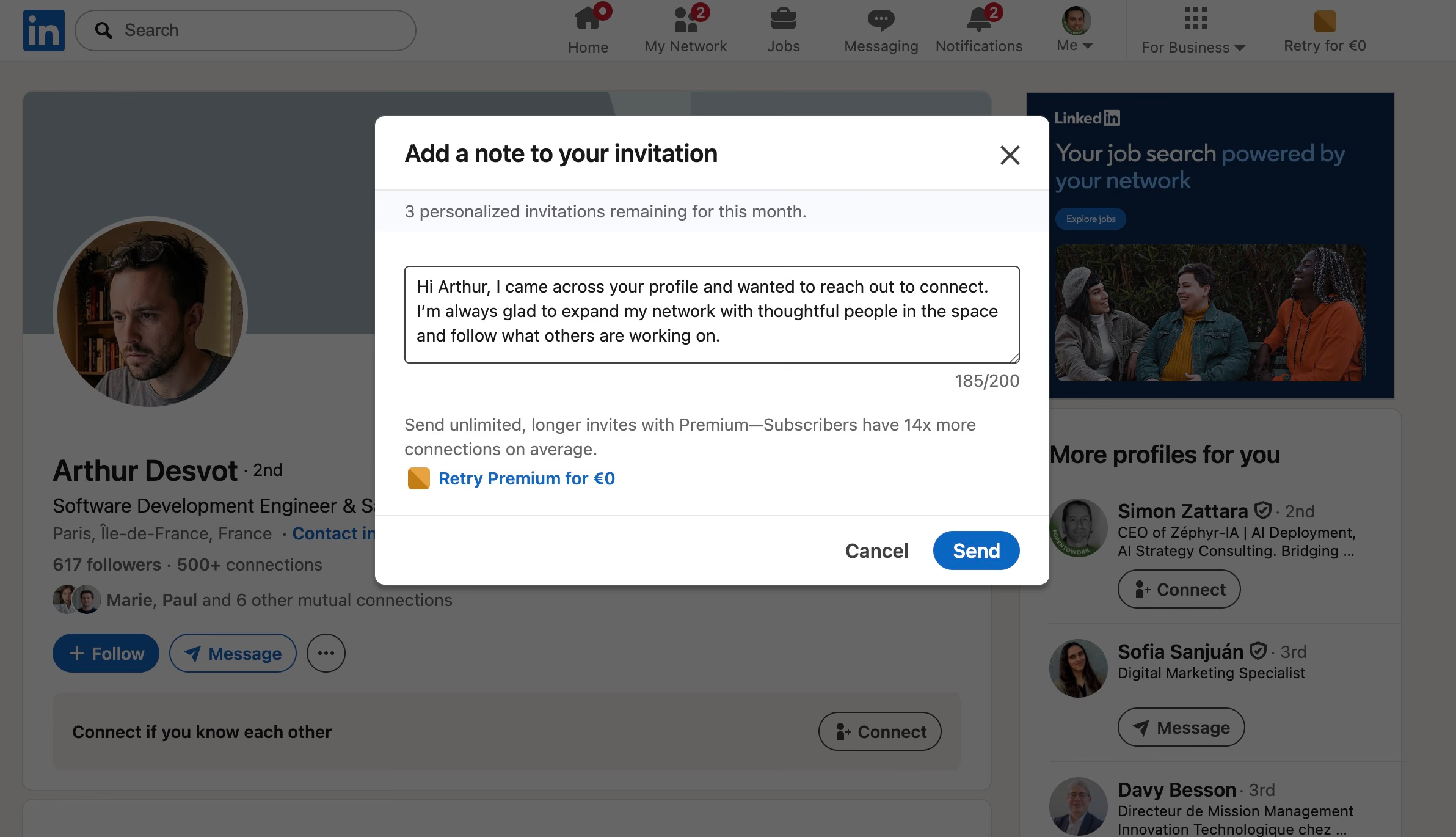
To send a message with a LinkedIn connection request, click “Connect” on someone’s profile, then tap “Add a note” in the popup. You have 300 characters, but staying under 180 gets the best results.
The question is whether you should add one at all. Data from over 96,000 connection requests tells a clear story:
- Blank invites get accepted 55–68% of the time
- Generic notes drop acceptance to 28–45%
- Hyper-personalized notes top out around 45–60%
Blank invites succeed because there is nothing to judge — the recipient hits Accept without friction. Your profile does the selling, not your note.
Only add a message when you have real, verifiable shared context:
- You commented on their post or attended the same event
- You are in a mutual group
- You share a close connection
- You just heard them speak or saw their work
When you do write a note, follow three rules:
- Under 180 characters — LinkedIn truncates after one line on mobile
- Reference something specific — a post, a talk, a shared group, nothing generic
- Never pitch — no demos, no meetings, no “let me show you”
Good example: “Saw your post on outbound trends, your data on personalized vs generic outreach was eye-opening. Would love to connect.”
Bad example: “Hi, I help companies scale their sales. Would love to connect and share how we can help you.”
If you are scaling outreach, use a tool like Cockpit to enrich prospects with recent LinkedIn activity, then let AI generate short personalized notes only for the ones with real context — and send blank invites for the rest.