
Reddit does not agree on one universal Clay replacement. Across three discussions, the useful recommendations fall into four groups: specialist data providers, DIY workflows, lighter Clay-style workbenches, or a more tightly controlled Clay setup.
For founders and lean GTM teams that want a spreadsheet workflow without maintaining a DIY stack, Cockpit is our pick.
If you only need verified emails, a specialist provider will probably be cheaper. If you want complete control and have engineering time, Sheets with n8n may fit better. And if you need Clay’s broad integration ecosystem and advanced routing, keeping Clay can still be the right answer.
What Reddit users actually want to replace about Clay
Reddit’s complaint is rarely “Clay cannot find a lead.” It is that one workspace handles several jobs, so costs can climb before a small team has learned which steps matter. In a GTM engineering thread (opens in a new tab) , the original poster calls Clay too expensive for their email and phone lookup use case. Replies suggest filtering records first, buying data directly, or keeping Clay while bringing provider keys.
That cost concern is tied to complexity. Commenters in an email marketing discussion (opens in a new tab) describe Clay as convenience over a stack of Sheets, Airtable, and APIs, but also mention a steep learning curve and AI copy that can sound robotic. A counterpoint in the same conversation says the scale and contextual personalization justify the work.
Likewise, a B2B marketing thread (opens in a new tab) starts with a solopreneur rejecting Clay’s price, while another commenter warns that cheaper tools lose coverage and become more expensive when combined.
The key is to identify which Clay job you are replacing. It is a GTM spreadsheet and orchestration layer, not simply a lead database.
- Sourcing: Finding accounts and contacts.
- Enrichment and verification: Adding fields, validating emails or phones, and choosing among providers.
- Orchestration: Deciding when rows run, retry, branch, or wait for a condition.
- AI research and personalization: Gathering context and turning it into usable outputs.
- Sequencing and export: Handing clean records to outreach tools, a CRM, or a file.
For a solo operator, paying for every layer can feel like overkill. For a larger motion, convenience, coverage, and flexible provider choice may be exactly why Clay wins.
The four Clay alternative approaches Reddit recommends
Reddit’s tool lists become more useful when grouped by operating model. The recurring alternatives are not one “best Clay replacement”; they are four paths. The right choice depends on whether your bottleneck is data coverage, workflow control, interface simplicity, or spend.
Use specialist data providers directly
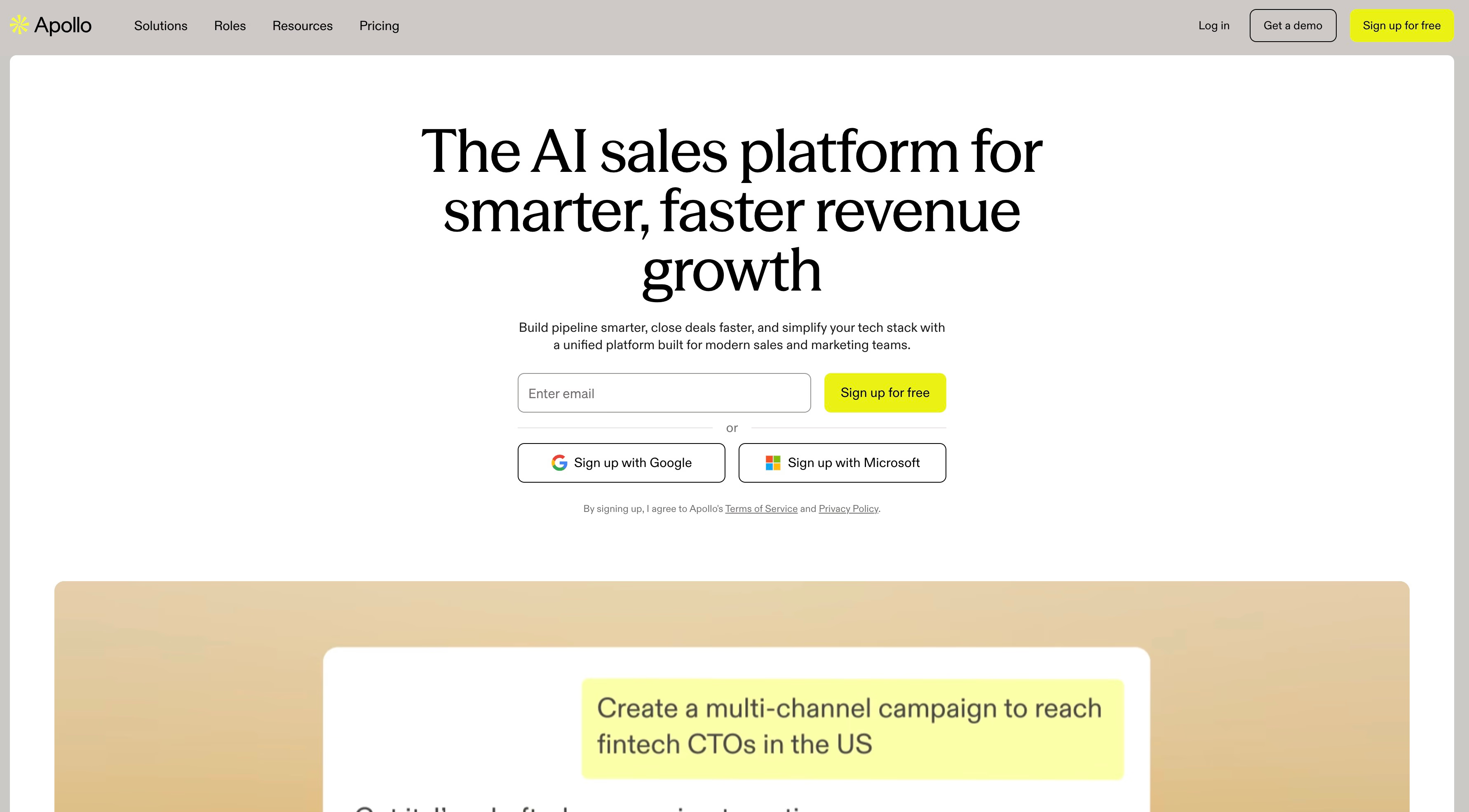
This path skips a general orchestration layer and buys the capability you actually need. Apollo is a database with additional prospecting features. Hunter, Prospeo, and Findymail are narrower tools for finding or verifying email addresses. If you already have a list and need one job done, a focused provider can be easier to budget than a multi-step workspace.
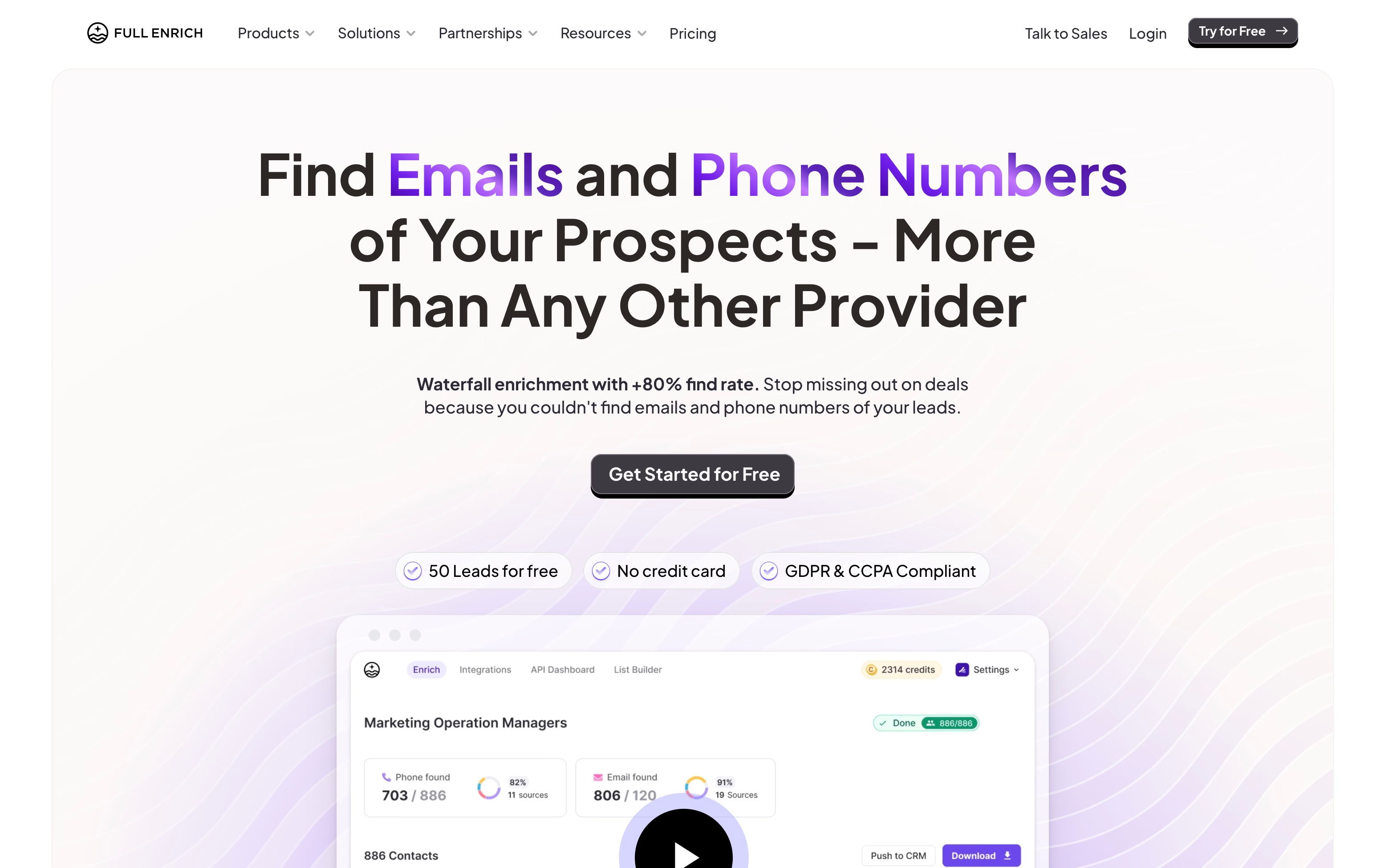
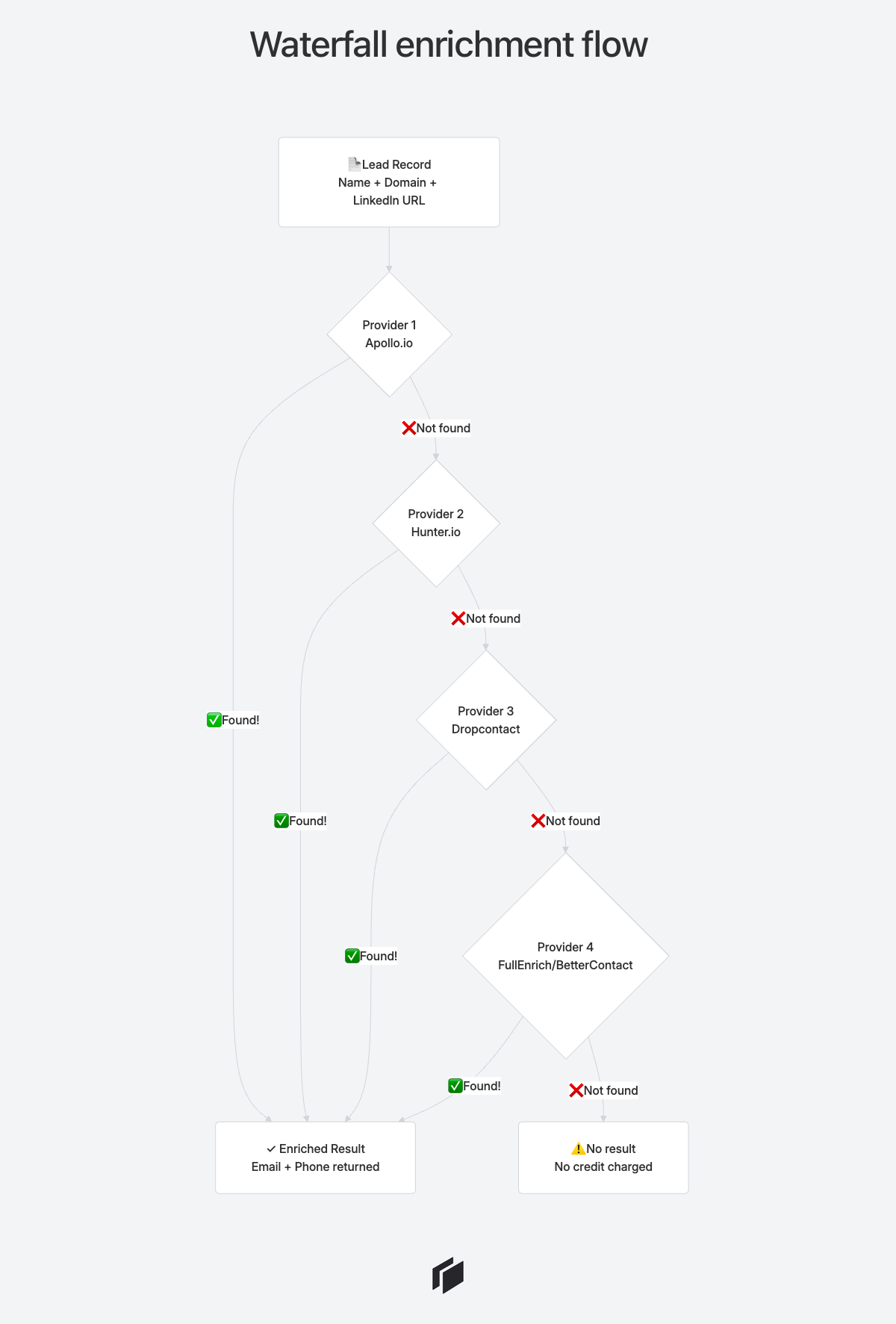
Waterfall services such as FullEnrich and BetterContact take a different approach. They query several data sources in sequence, stopping when they find a valid result. That can improve coverage on hard-to-find contacts, but it also makes provider order, field validity, and cost per successful match important.
Our B2B enrichment tools comparison explains the market categories and the checks that matter: validity, coverage, bounce risk, and cost per valid contact.
Choose this route when your team can manage the handoffs or when you want to keep enrichment modular. It is less suitable when you need branching logic, retries, and several actions tied to each row.
Build your own workflow with Sheets, Airtable, or n8n
DIY workflows trade convenience for control. A spreadsheet or Airtable base can hold your source rows, while n8n handles API calls, filters, and updates. You choose each provider, decide when a row runs, and keep the data model visible.
The cost is operational. Someone has to map fields, handle rate limits, catch failed requests, deduplicate records, and maintain credentials as APIs change. A DIY stack can start cheaply and still become a small internal product.
Pick it when you have technical ownership and unusual requirements. Avoid it when nobody has time to own the workflow after launch.
Choose a lighter Clay-style platform
Some Reddit commenters point to Airscale, Databar, Persana, and Floqer as lighter workbenches. These products aim to retain the table-and-enrichment model while narrowing the setup or feature surface.
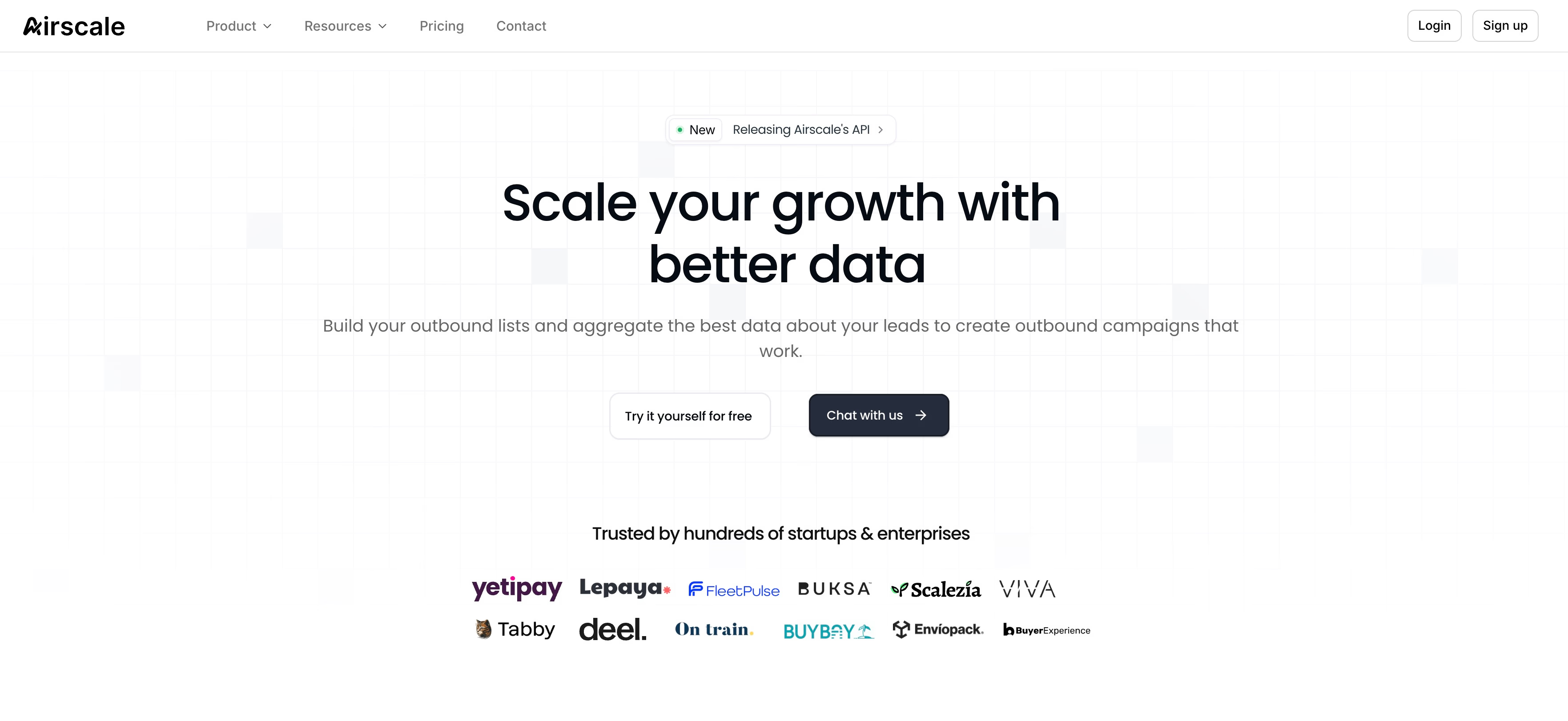
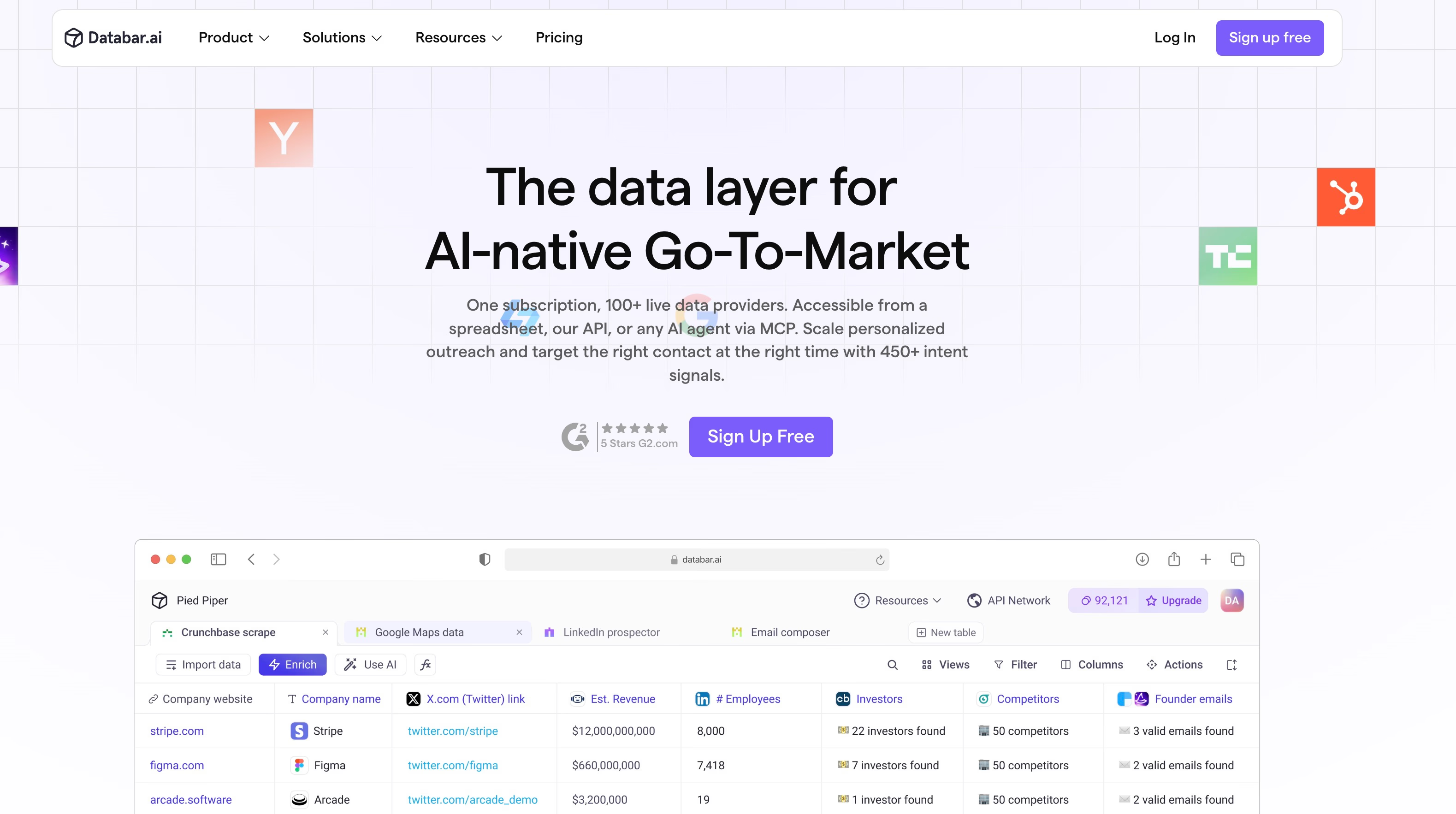
They are worth investigating if you want a visual workflow, but do not treat every mention as independent validation. Several recommendations in the threads come from founders or people affiliated with the product they suggest.
Use our detailed list of best Clay alternatives to check which platforms genuinely replace the orchestration layer instead of adding another data source.
Keep Clay, but control when rows run
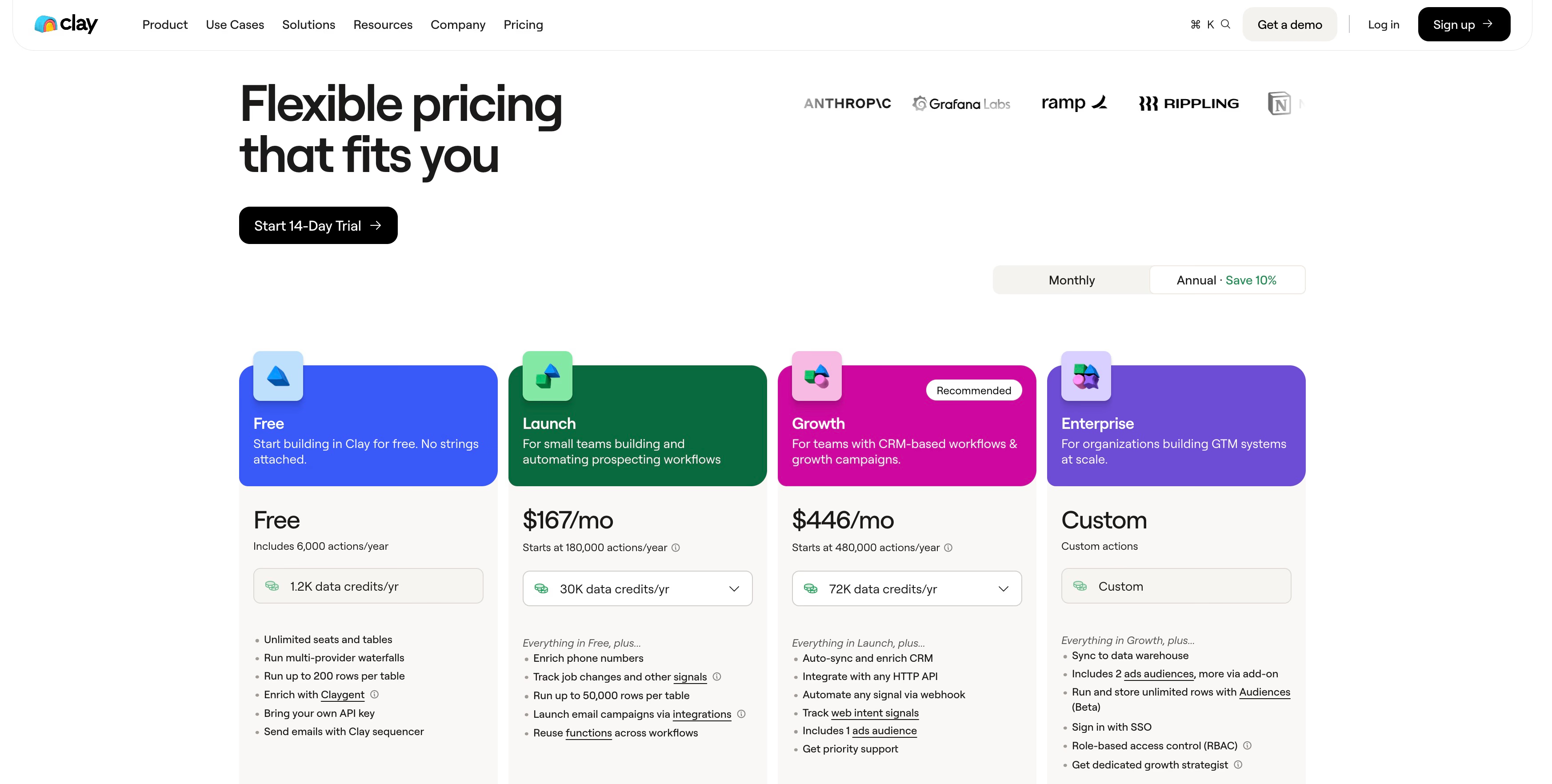
A fourth option is not switching at all. Clay’s conditional runs (opens in a new tab) can restrict enrichment to rows that meet your criteria. Its current pricing model (opens in a new tab) also allows you to bring provider API keys and avoid Data Credit costs, although platform Actions still apply.
Our Clay review shows how Data Credits and Actions add up on a real enrichment run. Start by qualifying rows before expensive actions, then run only the branches that can change a decision. If that reduces waste without breaking coverage, a controlled Clay setup may be less disruptive than migrating every workflow.
Why Cockpit is our pick for founders and lean GTM teams
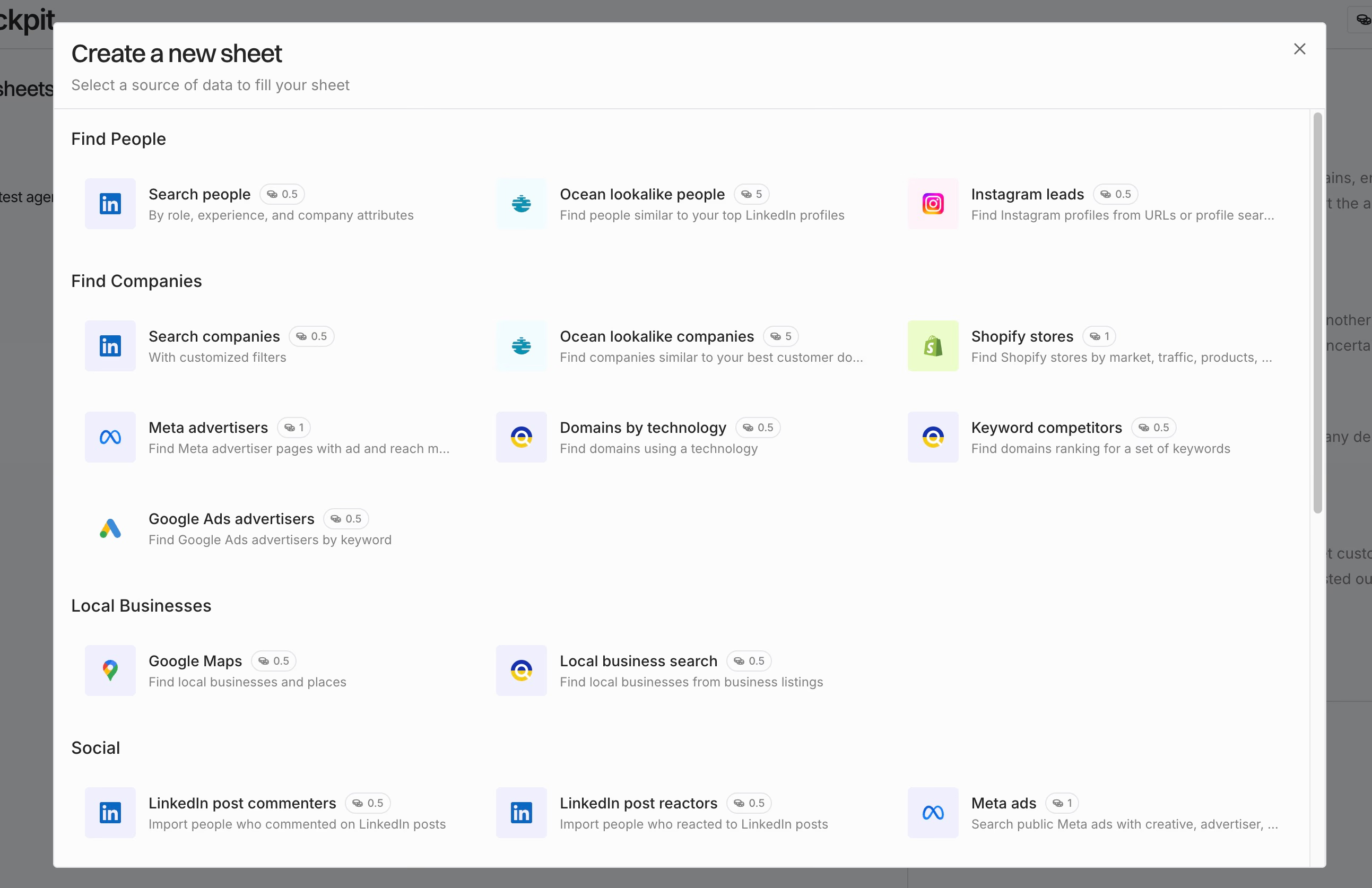
Cockpit matches the problems users described: too much setup, hard-to-predict enrichment costs, brittle DIY workflows, and tools that become harder to operate than the prospecting work itself.
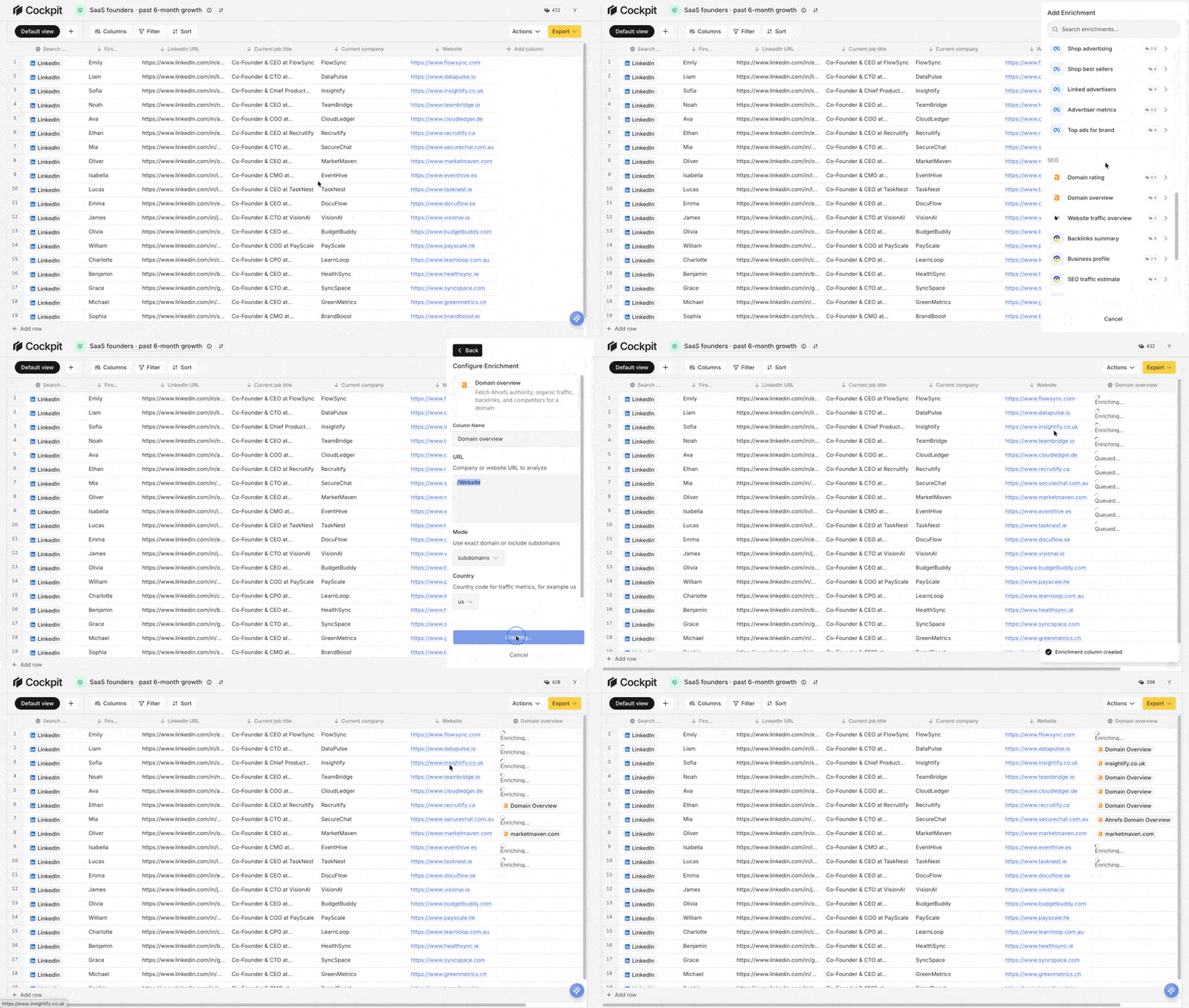
Cockpit uses a spreadsheet model because that is already how most lean teams think about a lead list. Import a CSV or source new rows, then add columns for the work you need: company qualification, contact details, firmographic data, website research, or an AI-written opening line. Each result stays attached to its row, so you can inspect the workflow instead of debugging a hidden automation graph.
The cost model is also easier to reason about. With an API key you bring yourself, Cockpit charges one credit only when the call succeeds; you pay the provider’s fee directly. A Cockpit credit has a $0.005 face value, although your effective cost still depends on the plan and how many included credits you use.
Starter costs $29 per month for one seat and 3,000 credits. It includes the core spreadsheet workflow and CSV import and export. Growth costs $79 for three seats and 10,000 credits, adding provider waterfalls, saved connections, and AI sequence generation. Scale costs $199 for ten seats and 30,000 credits. See the current Cockpit plans for the full breakdown.
Growth’s provider waterfalls matter when one source misses a field and you want Cockpit to try another without writing retry logic yourself. It is a practical middle ground: less custom engineering than a DIY stack, but more control over sources and spend than a system that hides every decision.
| What Reddit users want | How Cockpit handles it |
|---|---|
| A workflow they can understand and change | Spreadsheet rows with explicit enrichment and AI columns |
| Fewer wasted lookups | Qualify rows first, then run paid enrichment only where it is useful |
| A fallback when a provider fails | Growth waterfalls across configured providers |
| Personalization without building an AI platform | AI columns use row context for research and generated outputs |
| Data they can put to work | Export enriched rows or generate AI-assisted sequences on Growth |
A typical Cockpit workflow looks like this:
- Import or source rows. Start with a CSV or connect a source that fits your list-building process.
- Qualify cheaply. Filter by role, industry, location, company size, or another lightweight signal.
- Enrich qualified rows. Add only the provider columns needed to fill gaps or verify key fields.
- Use a waterfall when needed. On Growth, let another provider run when the first returns no usable result.
- Research and write selectively with AI. Generate account research or copy only where it can improve the next action.
- Export or build a sequence. Send clean rows to another tool, or use Growth’s AI sequence generation and export.
This is simpler than assembling scripts, queues, provider-specific parsers, and a separate spreadsheet interface. It is not a replacement for every tool. Clay is a better fit for advanced enterprise integrations, complex routing, and teams willing to manage that depth. If you only need email addresses, a simple finder may be enough.
Cockpit fits the team that wants one working surface for sourcing, enrichment, AI research, and handoff—without pretending the difficult parts of data quality disappear.
Cockpit versus the other paths Reddit recommends
Reddit’s advice gets clearer when you separate “replace Clay” from “solve one job.” The right choice depends on how much orchestration you need and how much setup your team can absorb.
| Option | Best for | Main advantage | Main trade-off |
|---|---|---|---|
| Specialist providers | A single enrichment, such as email lookup | Focused tools can be easy to price by valid contact | You assemble imports, fallbacks, AI, and delivery elsewhere |
| Sheets and n8n | Technical founders who want maximum control | Flexible building blocks without a vendor-shaped workflow | Engineering, monitoring, retries, and provider quirks become your problem |
| Lighter Clay-style workbench | Small teams wanting a visual table | A narrower workflow surface can be easier to operate | Coverage, integrations, or automation depth may run out |
| Cockpit | Lean teams running enrichment and AI from one spreadsheet | A focused path from rows to usable outputs with clear limits | Fewer enterprise integrations and less room for complex routing |
| Clay | Teams needing broad provider coverage and intricate automation | Mature integrations and advanced workflow flexibility | More configuration and separate Action and Data Credit costs |
Choose a specialist provider when the requirement really is “find an email.” Compare valid-contact rates and total cost, not just advertised coverage. Our FullEnrich vs Clay comparison is a good example of that trade-off.
Choose Sheets with n8n when you have engineering time and unusual logic that packaged tools cannot express. Every provider, timeout, schema change, and audit trail becomes a maintenance task. DIY can be economical, but someone has to own it.
A lighter Clay-style workbench suits teams that want a table-first experience and modest enrichment without a large automation surface. We compare five of them by cost per credit in our cheaper Clay alternatives guide. Check the integrations you will need six months from now, not only what works for today’s first list.
Cockpit is the practical pick for a lean team that wants the workflow in one place. Starter is the core spreadsheet and CSV workspace; it does not include provider waterfalls or sequence export. Growth is needed for provider waterfalls and AI sequence generation. Scale tops out at ten seats, so Cockpit is not designed for the most complex enterprise GTM systems.
Keep Clay when broad coverage, advanced enterprise integrations, or complex routing justify its heavier setup. Even BYOK usage consumes Actions, so model the workflow—not only the provider bill—before switching.
The cheapest workflow is the one that avoids wasted enrichment
Cheap credits do not make an efficient workflow. The useful metric is cost per successful, usable lead—not cost per row, lookup, or API call. A lead is usable only when it passes your fit criteria, has enough valid contact data to act on, and can move to the next step without another rescue project.
Use this checklist before adding another provider:
- Qualify first. Filter and score imported rows with the data you already have. A paid lookup should answer a question that can change the row’s outcome.
- Sequence expensive fields. Do not buy phone numbers for every row. Start with lower-cost signals such as company fit and a work email, then purchase phone data only for leads that clear your threshold.
- Use waterfalls selectively. A fallback chain can improve coverage, but only when the extra coverage justifies the provider fees. Set a stopping rule instead of sending every row through every source.
- Gate AI work. Run research or generation on qualified rows, with a clear output you will use. If a prompt cannot change routing, messaging, or prioritization, it probably does not belong in the paid path.
- Count the work you hide. Include DIY engineering, retries, monitoring, schema changes, and maintenance time in your cost. “Free” infrastructure still has an owner.
Cockpit makes these choices visible per row and column: which step ran, which call succeeded, and where a row stopped. That lets you tune thresholds from actual outcomes, then continue the same rows into outreach instead of rebuilding the list elsewhere.
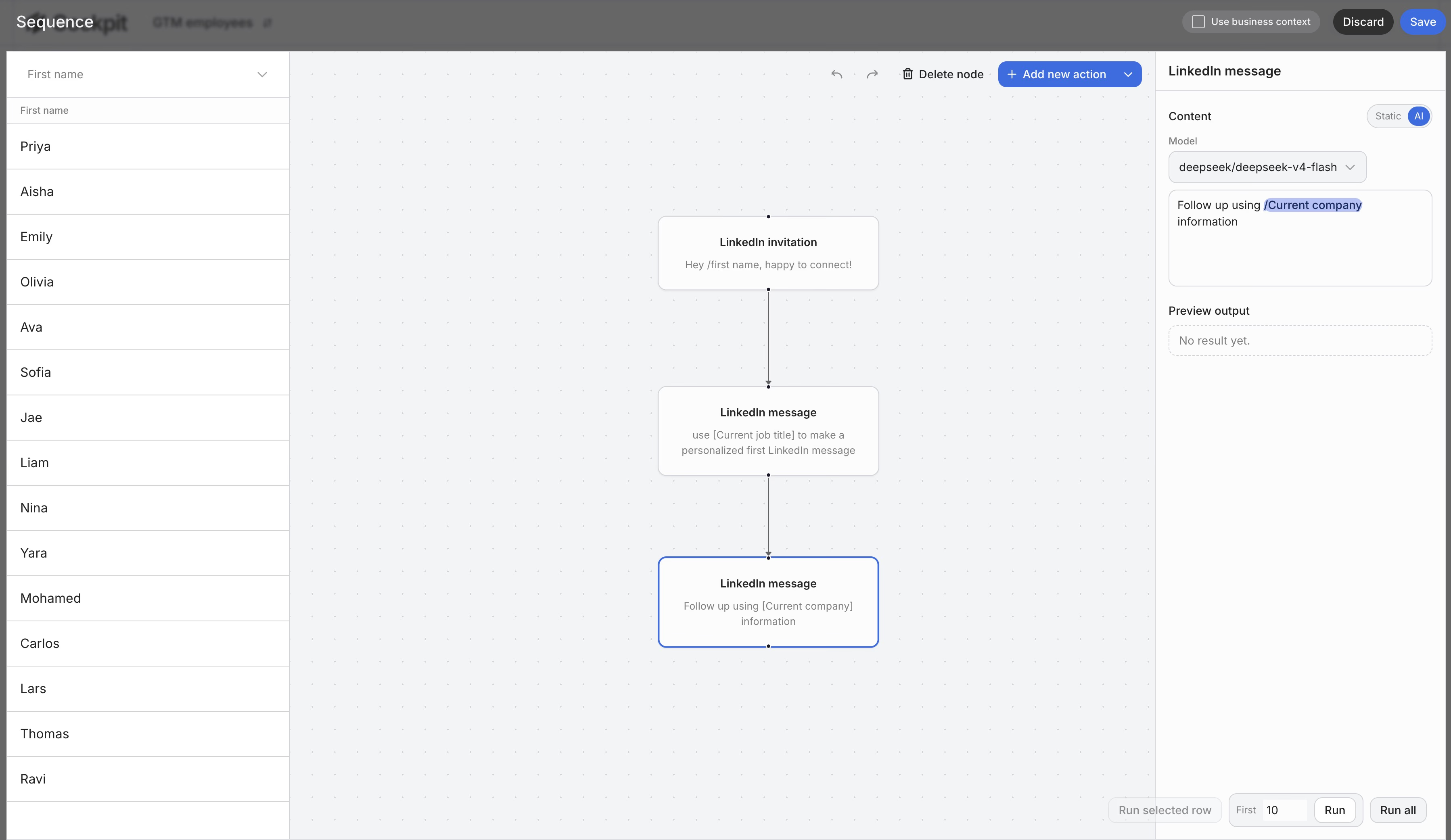
The goal is not the fewest enrichments. It is a controlled path from qualified row to useful action, with waste obvious enough to remove.