The best LinkedIn automated prospecting tool depends on what you need to fix.
Swarmhit is our first pick for agencies and teams managing several senders. Sales Navigator is better for careful research. La Growth Machine and Skylead suit multichannel outreach, while Dripify and Waalaxy offer simpler starting points.
This guide compares eight useful options without turning into a huge feature list.
Best LinkedIn automated prospecting tools at a glance
Your shortlist should match how your team prospects. An agency may need multi-sender control and one inbox, while a solo rep may care more about simple sequences or better lead research.
| Tool | Best for | Main strength | Main trade-off |
|---|---|---|---|
| Swarmhit | Agencies and multi-sender teams | Sequencing, account controls, unified inbox, and CRM or API workflows | May be more system than a solo rep needs |
| LinkedIn Sales Navigator | Prospect research and targeting | Native search, saved lists, and lead alerts | Research tool, not a scaled sequencing engine |
| La Growth Machine | Coordinating LinkedIn and email | Flexible multichannel sequences and reply management | Takes more work to configure |
| Expandi | Cloud-based LinkedIn automation | Campaign templates and activity controls | Still requires disciplined setup |
| Skylead | Flexible LinkedIn and email workflows | Personalization, integrations, and central reply handling | More options create more complexity |
| Apollo | Data and outbound in one platform | B2B database, enrichment, and multichannel execution | Less specialized for LinkedIn-first agency work |
| Dripify | Small LinkedIn-focused sales teams | Sequences, tagging, inbox, and team analytics | Less channel depth than multichannel tools |
| Waalaxy | Solo operators and small teams | Approachable sequences and fast setup | Less control for scaled agency delivery |
8 best LinkedIn automated prospecting tools
The right pick depends on where your workflow is breaking. Some tools help you find better leads. Others automate outreach, coordinate channels, or manage activity across several LinkedIn accounts.
1. Swarmhit
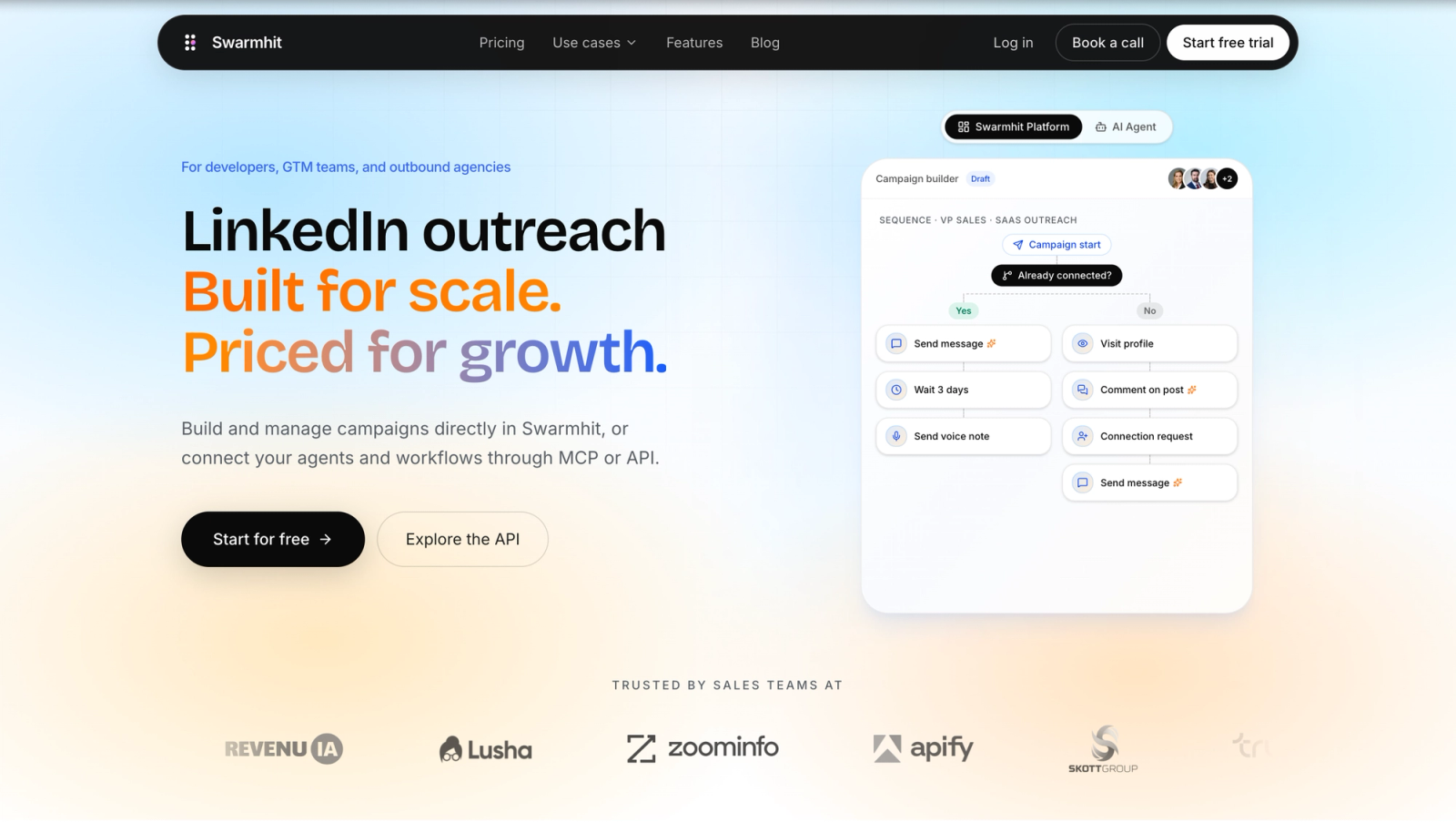
Swarmhit (opens in a new tab) brings prospect discovery, multi-step sequences, replies, and campaign management into one platform. Teams can spread outreach across multiple senders, sync activity with their CRM, and connect other systems through APIs and webhooks. Campaigns can also run through AI agents and MCP.
Best for: outbound agencies, GTM teams, and RevOps operators running LinkedIn outreach across several senders.
Watch out: its account controls and integration options may be more than a solo founder needs for one simple campaign.
2. LinkedIn Sales Navigator
LinkedIn Sales Navigator (opens in a new tab) is mainly a research and targeting product. Its 50+ search filters help teams narrow an audience, save useful searches and lead lists, and receive alerts when prospects change roles or show other relevant activity. It also includes InMail, while some CRM features depend on the plan.
Best for: sales teams that need precise LinkedIn targeting before starting outreach.
Watch out: it is not a full automated sequencing engine. You will usually need another tool for multi-step campaigns.
3. La Growth Machine
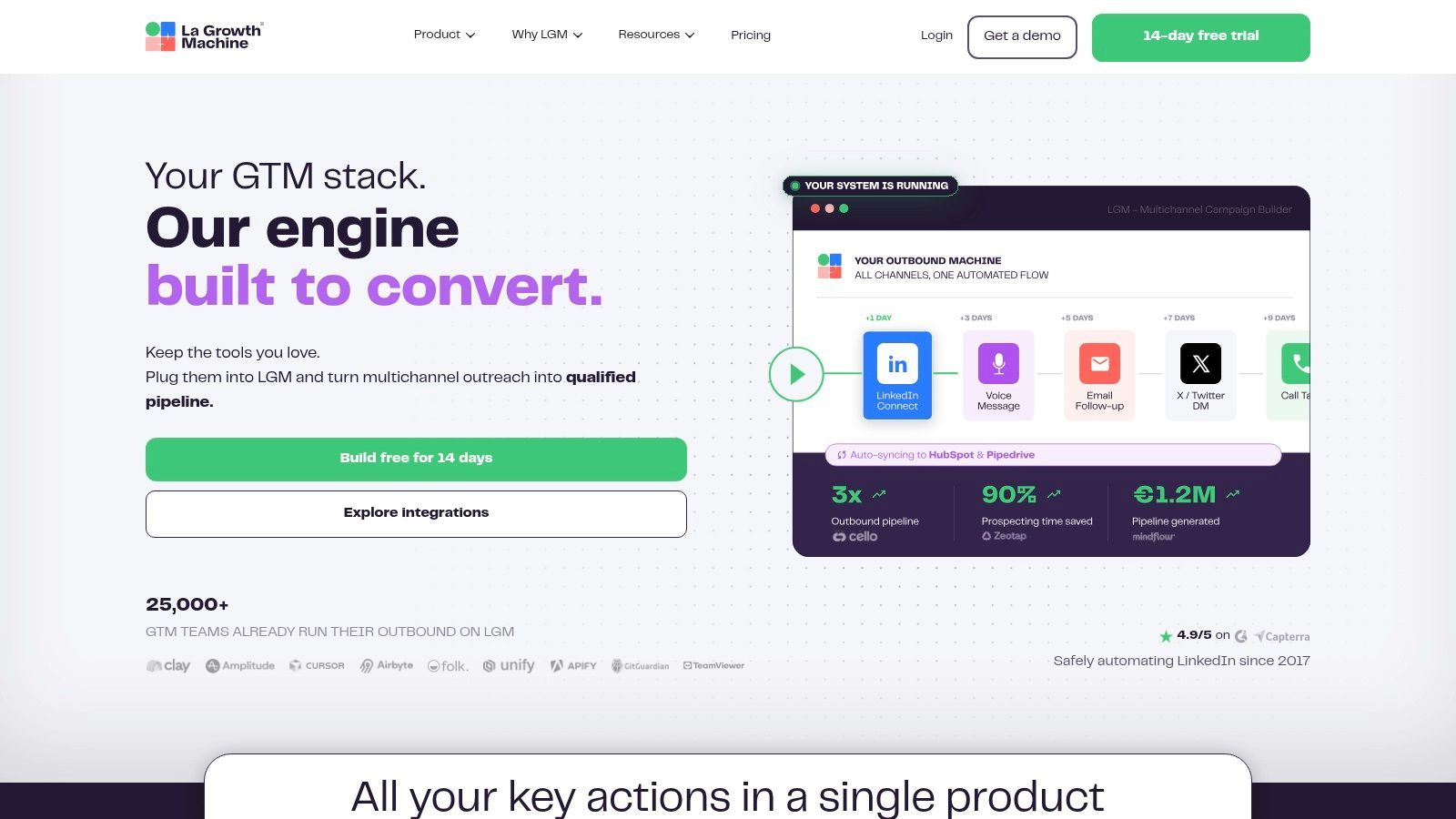
La Growth Machine (opens in a new tab) , or LGM, coordinates LinkedIn, email, and other touches in one conditional sequence. Teams can create branches and A/B tests, manage replies in a shared inbox, and connect campaigns to other systems through integrations, an API, or webhooks.
Best for: growth and sales teams that want several channels in one workflow.
Watch out: that flexibility creates setup work. Complex sequences need clear ownership and testing.
4. Expandi
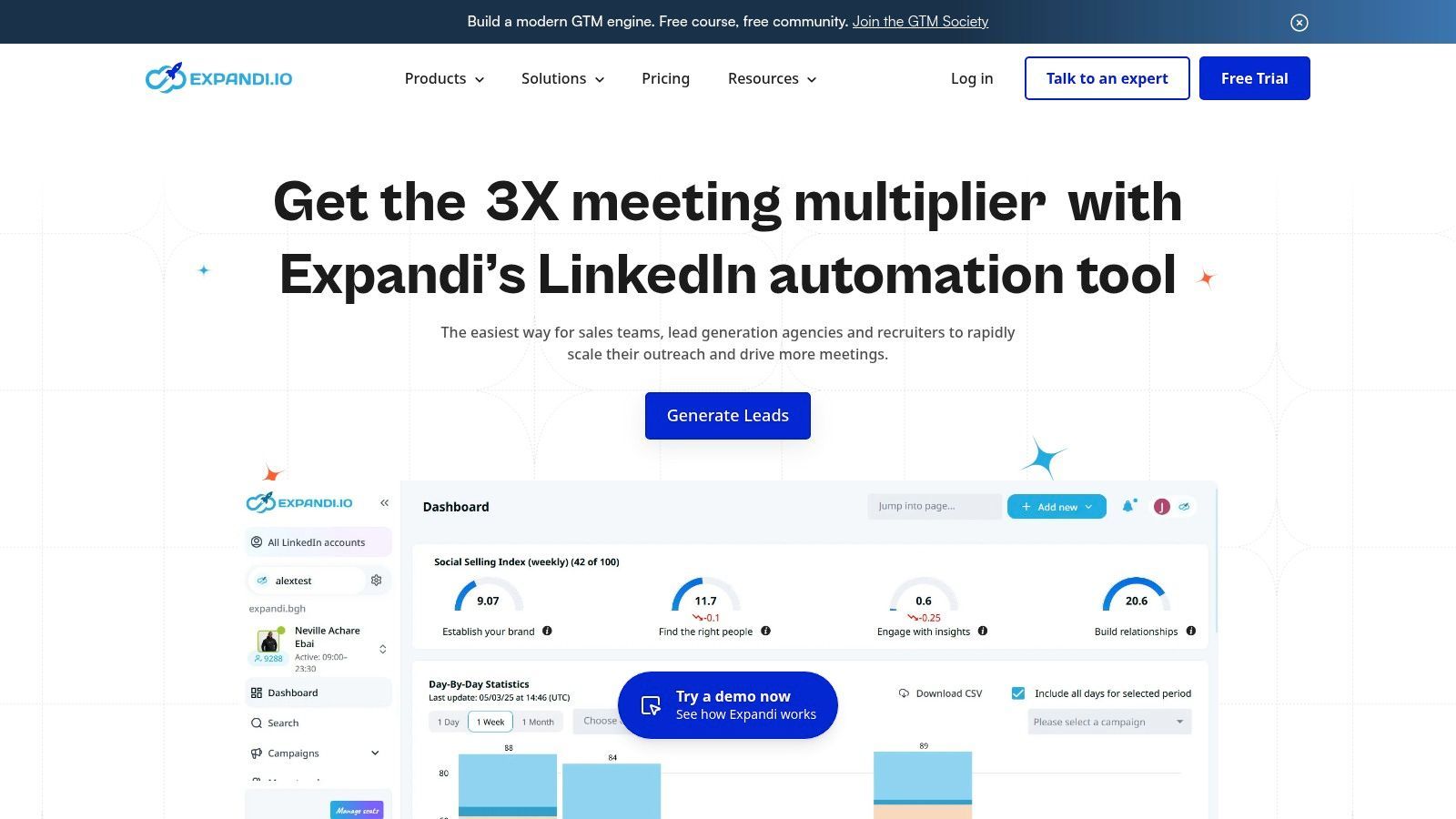
Expandi (opens in a new tab) is a cloud-based LinkedIn automation platform for building outreach campaigns. It offers templates, multi-step sequences, daily activity limits, and controls for managing how campaigns run.
Best for: teams that want dedicated LinkedIn automation without keeping a local machine running.
Watch out: automation will not fix a weak list or message. Results still depend on targeting, copy, and sensible campaign settings.
5. Skylead
Skylead (opens in a new tab) combines LinkedIn actions and email in the same sequence. It includes a unified inbox, message variables, image and GIF personalization, CRM sync, APIs, and webhooks.
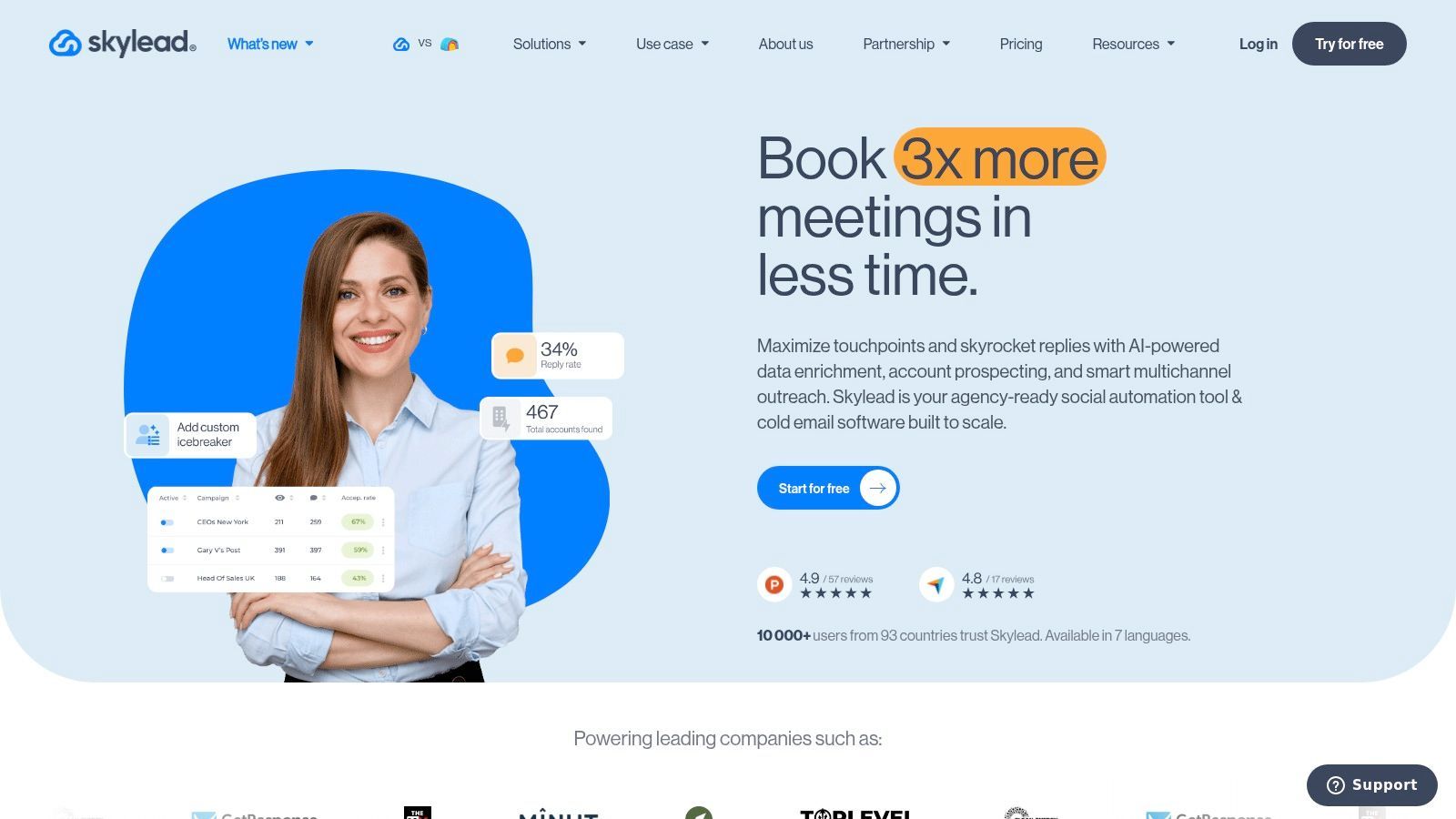
Best for: SDR and outbound teams that need deeper personalization and workflow integrations.
Watch out: the extra options add complexity, so expect more setup and monitoring than with a simple sequencer.
6. Apollo
Apollo (opens in a new tab) covers a broader sales workflow than LinkedIn alone. It combines a B2B contact database with enrichment, email sequencing, calling, integrations, and workflow automation. Its Chrome extension also helps reps access prospect data while browsing LinkedIn.
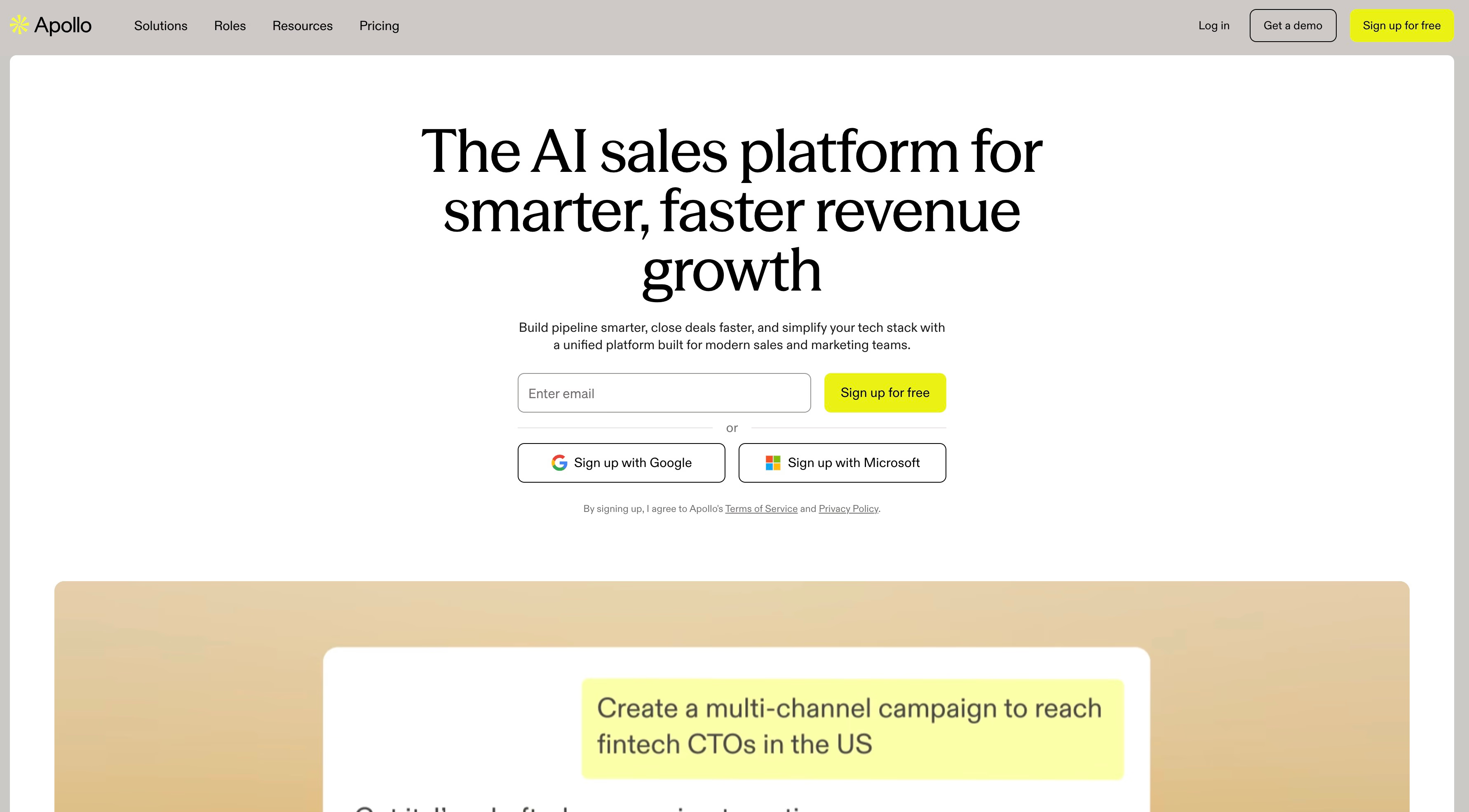
Best for: teams that want prospect data and outbound execution in one sales platform.
Watch out: its LinkedIn features are more assistive than deeply automated, and it is not centered on multi-account agency operations.
7. Dripify
Dripify (opens in a new tab) focuses on LinkedIn drip campaigns. Users can build sequences from templates, tag leads, manage conversations in a central inbox, review team analytics, and control campaign activity.
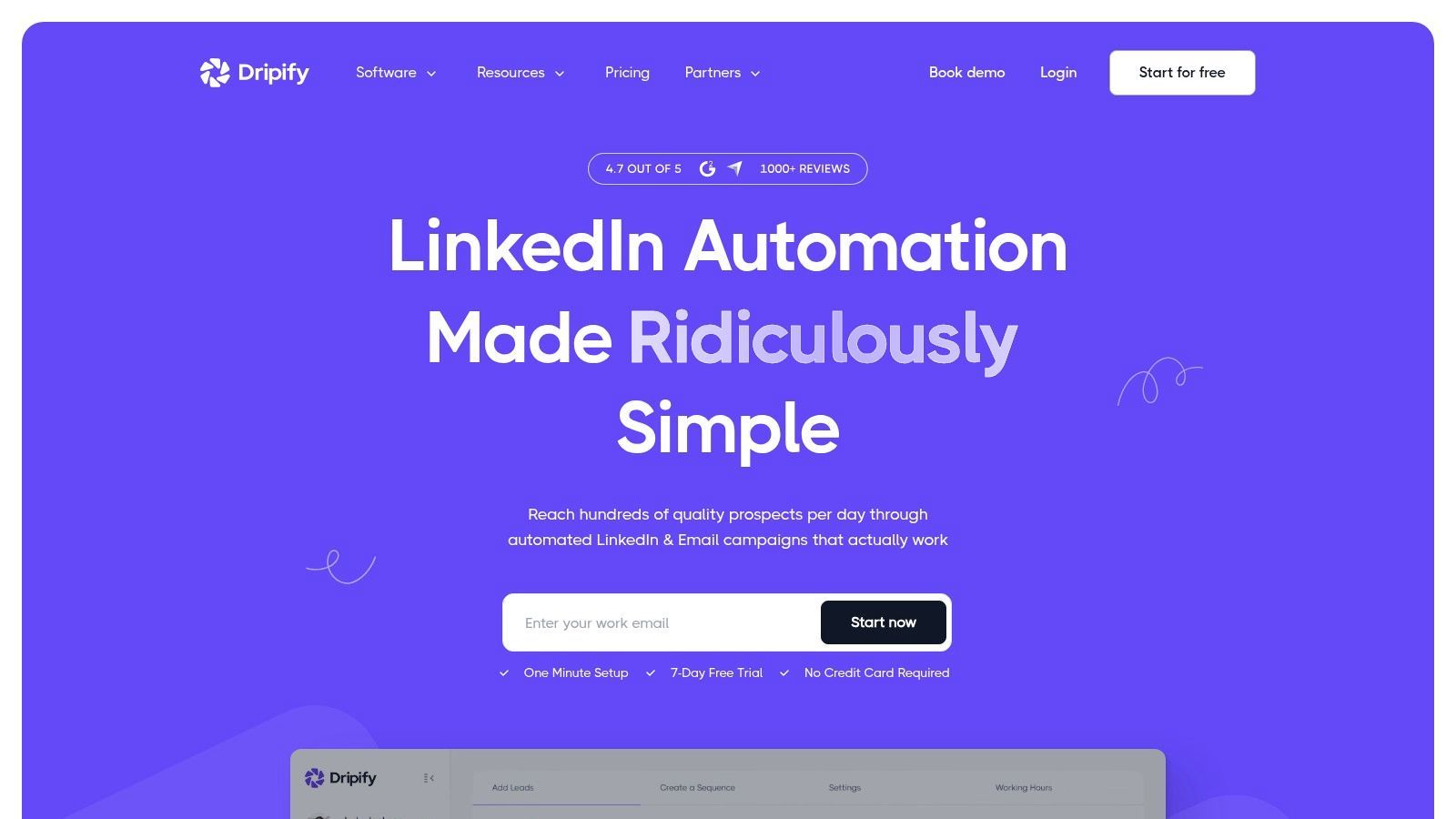
Best for: small SDR teams that mainly prospect through LinkedIn and want shared oversight.
Watch out: teams with a complex email or data workflow may need other tools around it.
8. Waalaxy
Waalaxy (opens in a new tab) makes LinkedIn prospecting approachable through prebuilt sequences and automated follow-ups. Its integrations help users pass lead and campaign information into the rest of their sales stack.
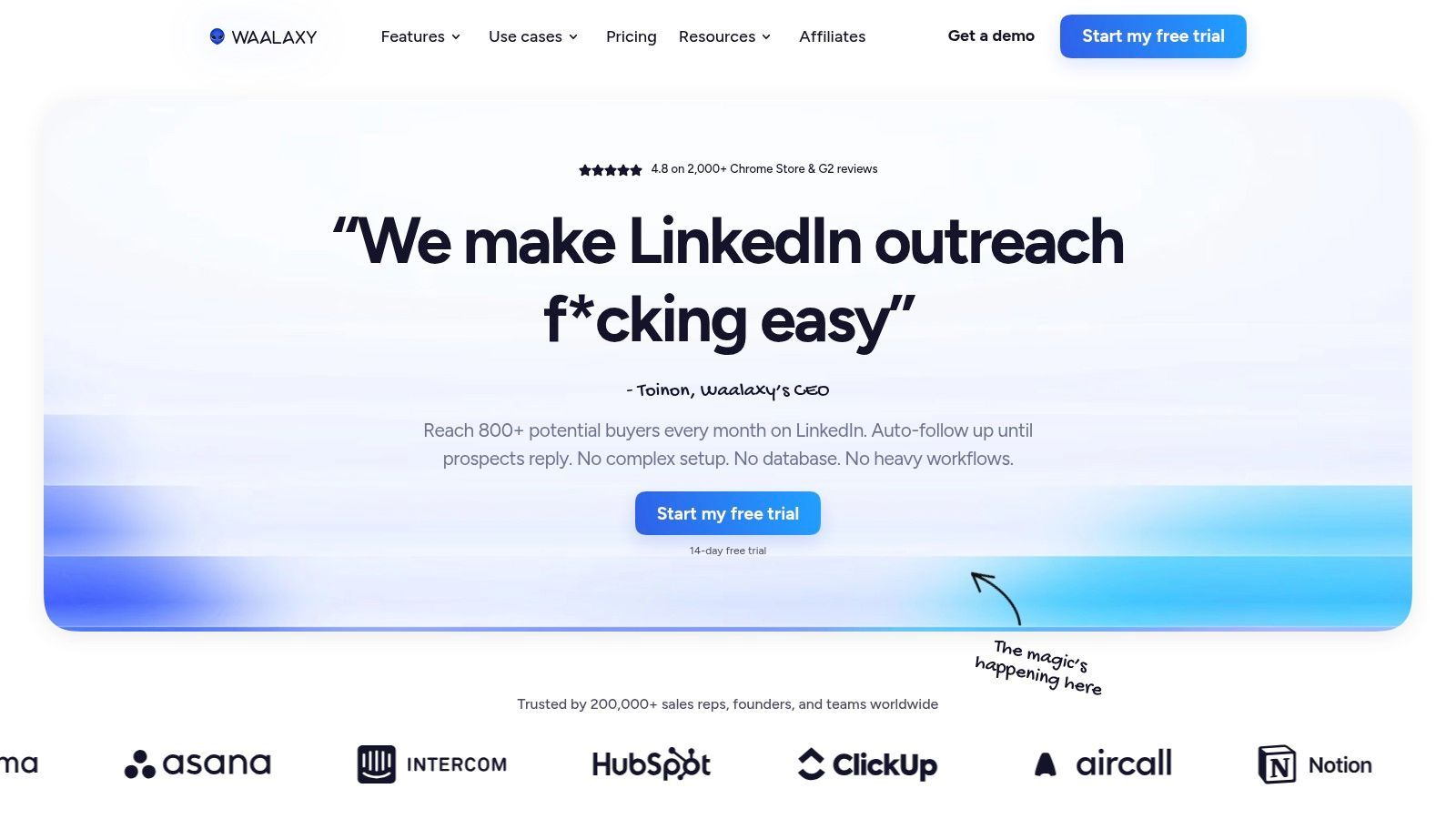
Best for: solo operators and small teams that value speed and simplicity.
Watch out: teams managing many senders, client accounts, or advanced agency workflows may outgrow its controls.
How to choose the right LinkedIn prospecting tool
Start with the bottleneck in your current workflow. Do you need better targeting, a simple setup for one sender, coordinated LinkedIn and email outreach, or reliable operations across many sender accounts?
Use this four-step test:
-
Shortlist by workflow. Compare account controls, reply routing, CRM or data handoff, setup effort, and channel breadth. Ignore features your team will not use.
-
Check the foundations. Automation cannot rescue weak targeting, an unconvincing profile, or generic copy. Improve your LinkedIn connection acceptance rate and test your LinkedIn connection message before blaming the software.
-
Understand the account risk. LinkedIn’s User Agreement (opens in a new tab) prohibits unauthorized software, scripts, bots, and other methods that scrape the service or automate activity. Any third-party automation tool therefore carries account risk, regardless of its safety marketing. Account controls may reduce careless behavior, but they do not remove that risk.
-
Run a small real test. Trial two or three tools with a limited campaign and the same audience. Measure reply quality, time spent handling conversations, and manual cleanup after data reaches your CRM. The number of messages sent means little if they do not create useful conversations.
For agencies and teams coordinating several senders, start with Swarmhit. Choose Sales Navigator when research matters more than automation. LGM and Skylead suit multichannel workflows, while Waalaxy and Dripify offer simpler starting points.